

World War I - Guide
Requirements
- Optifine Mod is required to enabled custom items textures and entities models.
- Enabled this option on settings: Options / Quality / Custom Items: ON
- Cit Resewn Mod (Support up to 1.21.1) is required to enabled custom items textures.
- Entity Texture Features Mod and Entity Model Features Mod are required to enabled custom entities textures and models.
- Can't work in vanilla Minecraft for now, mods are required.
Rifles
Copy the command to give the gun or rename the "Crossbow" to:
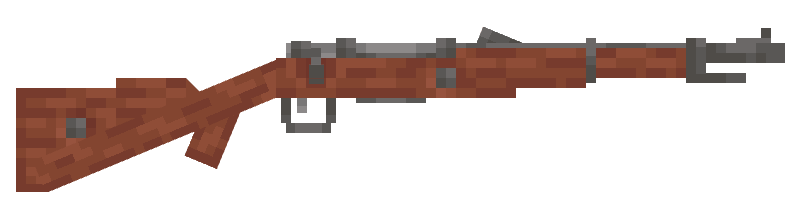
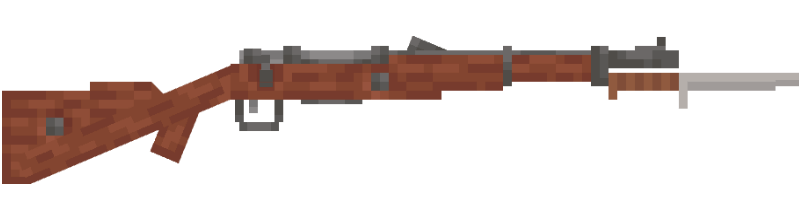
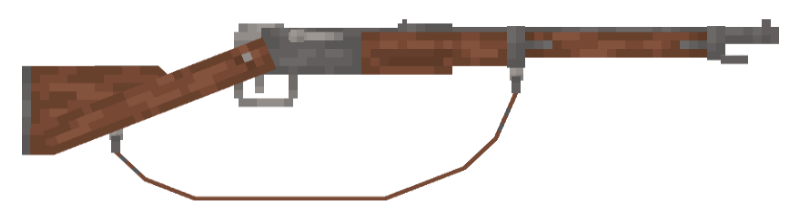
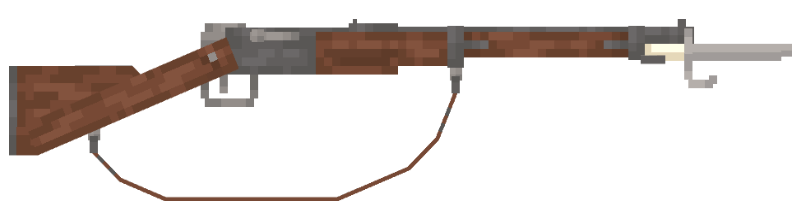
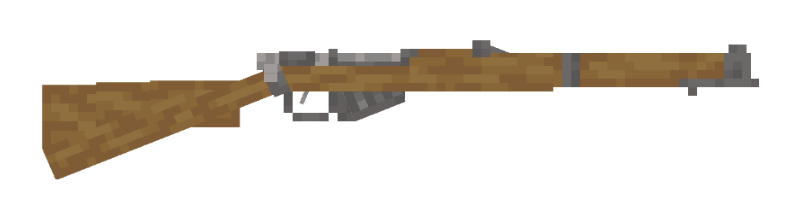
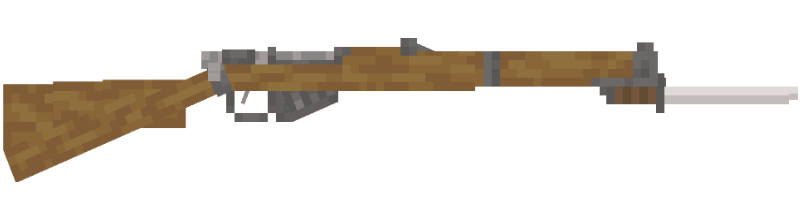
Semi-Automatic Rifles
Copy the command to give the gun or rename the "Bow" to:
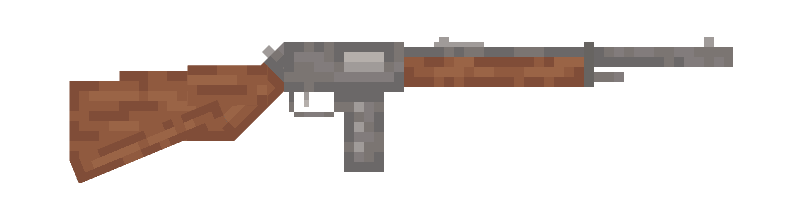
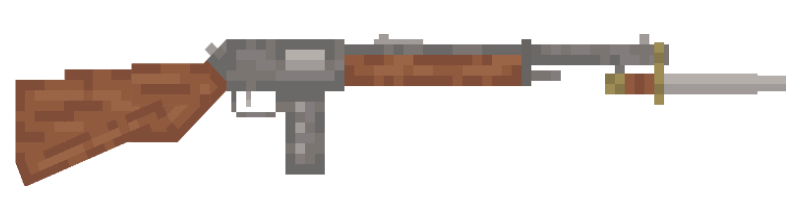
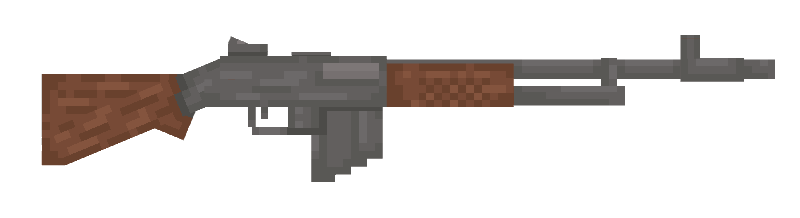
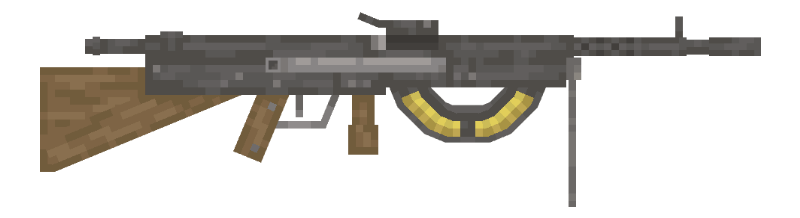
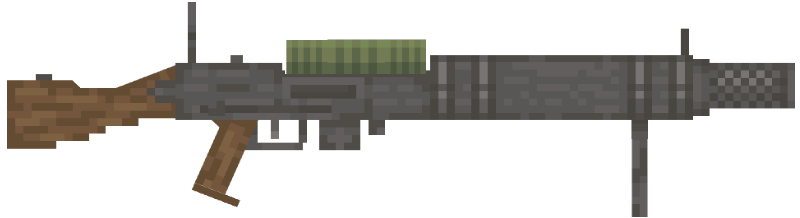
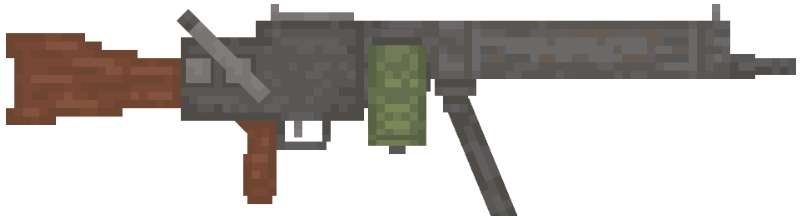
Machine Guns
Copy the command to give the gun or rename the "Crossbow" to:
Sub Machine Guns
Copy the command to give the gun or rename the "Crossbow" to:
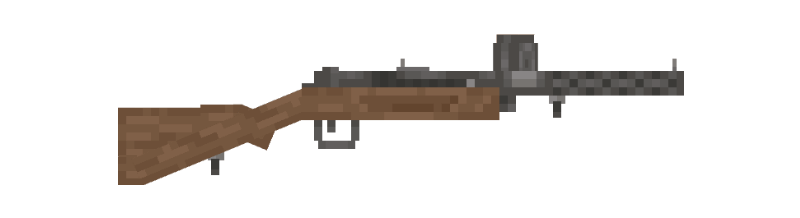
Shotguns
Copy the command to give the gun or rename the "Crossbow" to:
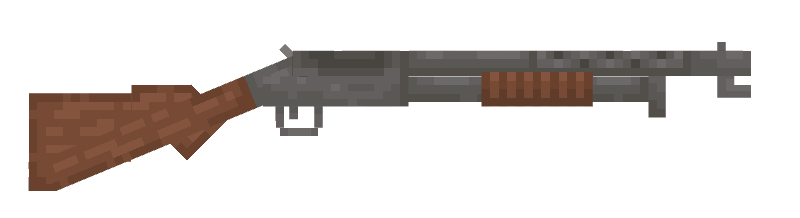
Pistols
Copy the command to give the gun or rename the "Bow" to:





Special Weapons
Copy the command to give the gun:

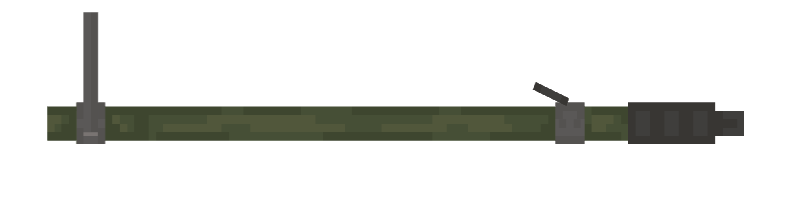
Extra melee weapons
Use an anvil to rename any "Sword" or any "Axe" to:


Use an anvil to rename the "Trident" to:

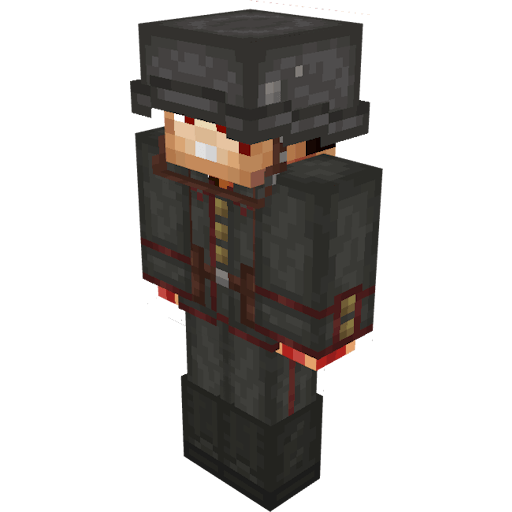
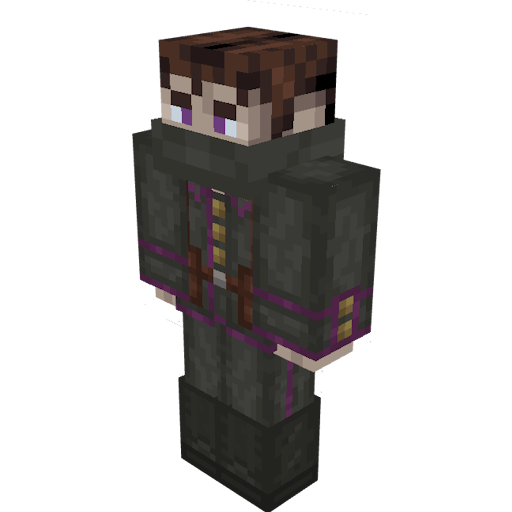
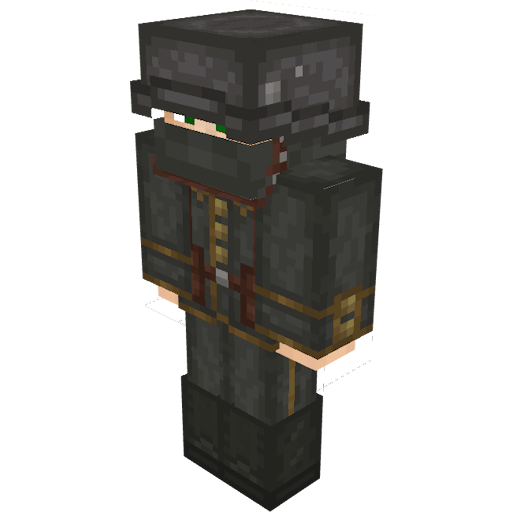
Clothing
Use an anvil to rename any "Helmet", "Chestplate", "Leggings" or "Boots" to:


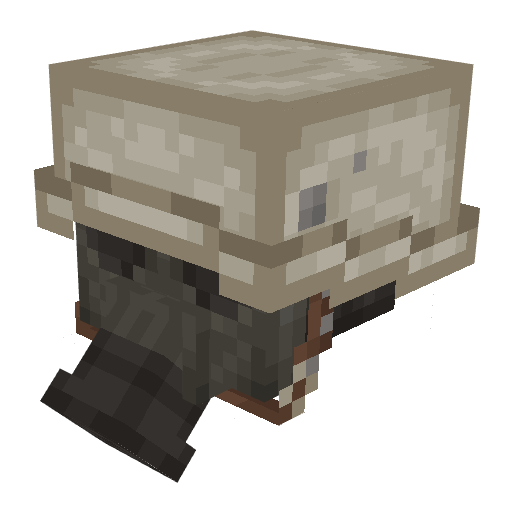
Hats
Use an anvil to rename a "Pumpkin" to:
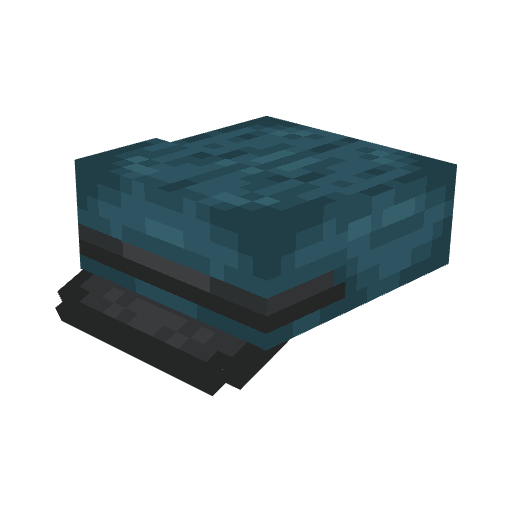
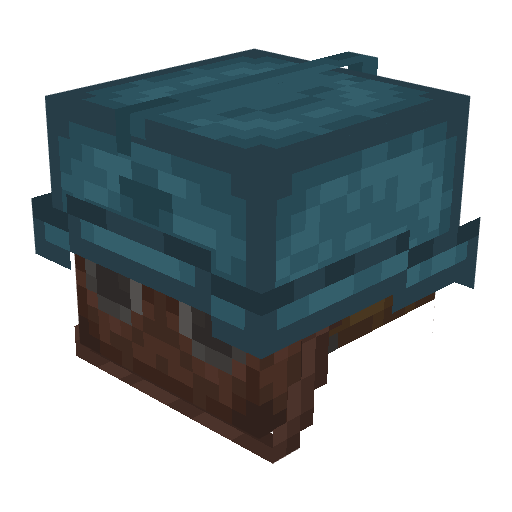
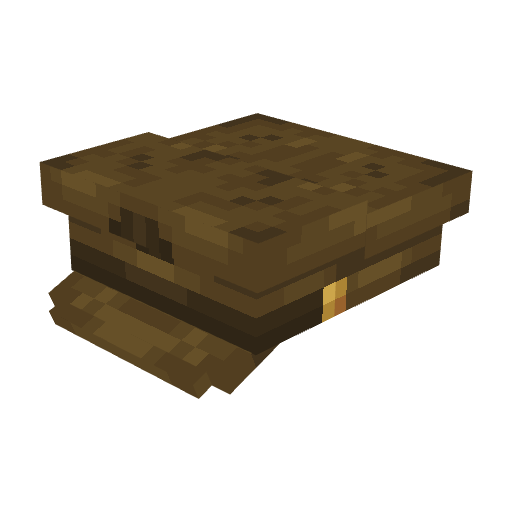
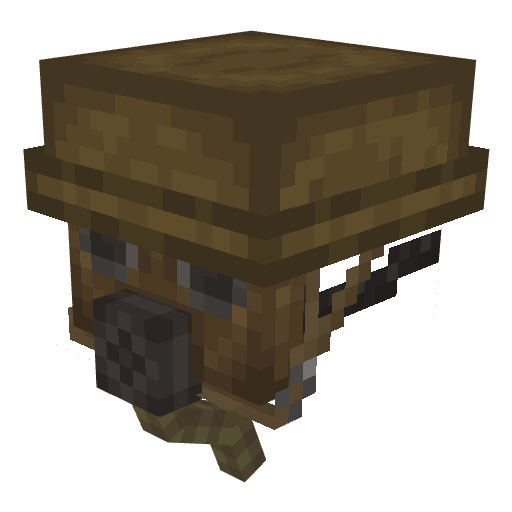
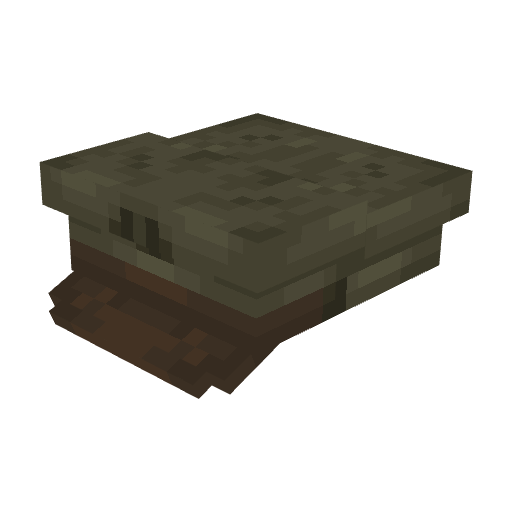
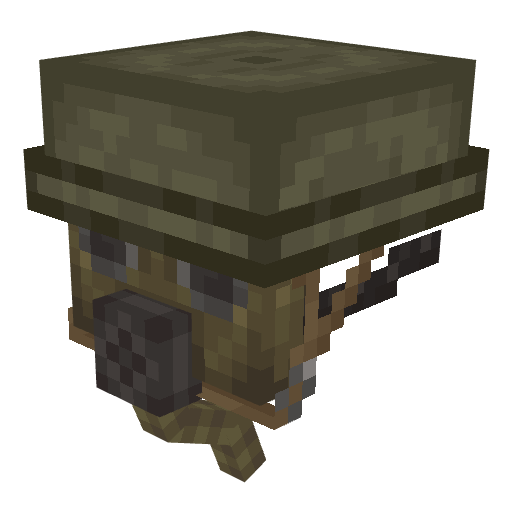
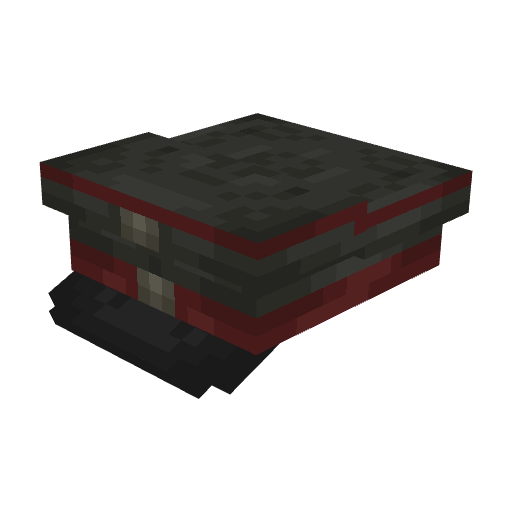
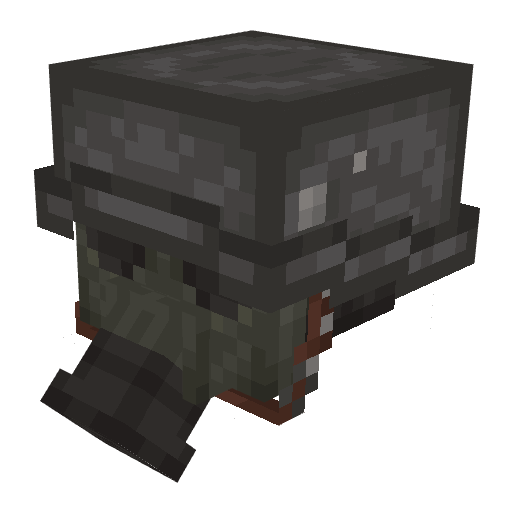
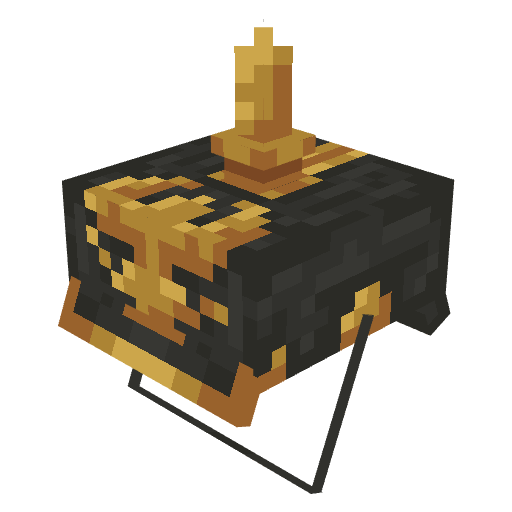
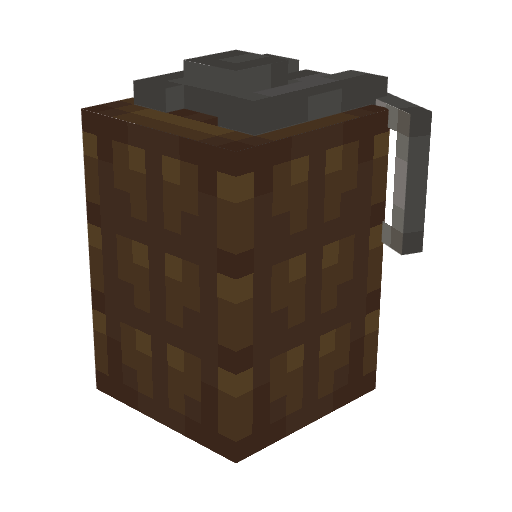
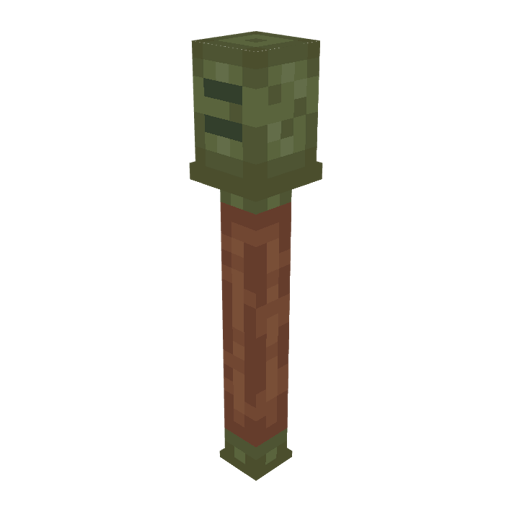
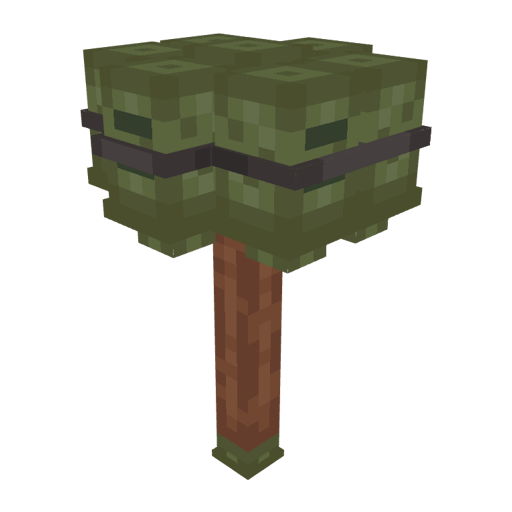
Grenades
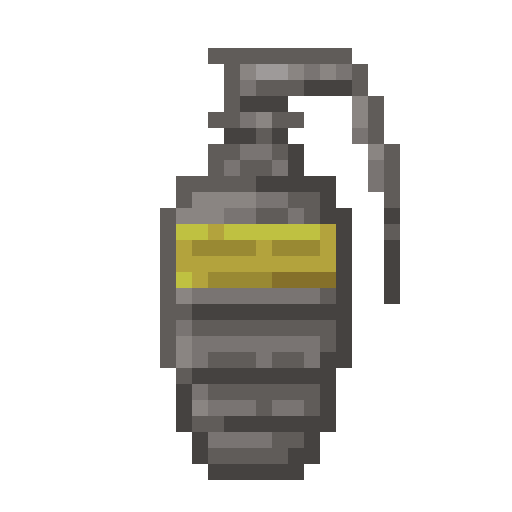
Use an anvil to rename any "Experience bottle". Use the command to make it explode:
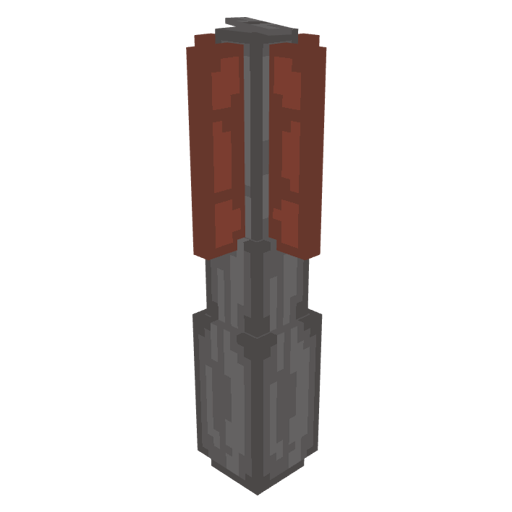
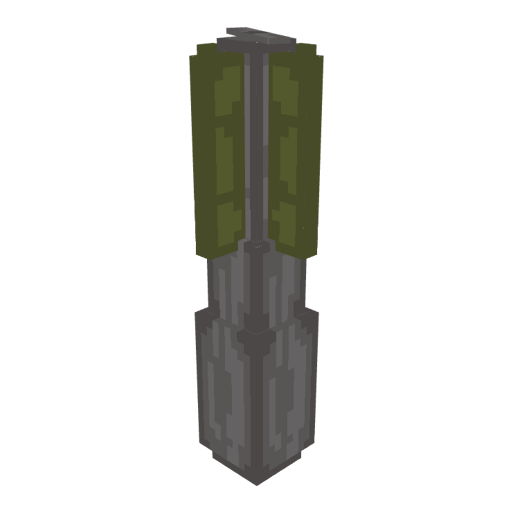
Gas Grenade
Use any "Lingering potion" or use this command to get a custom Gas grenade:
Launchers
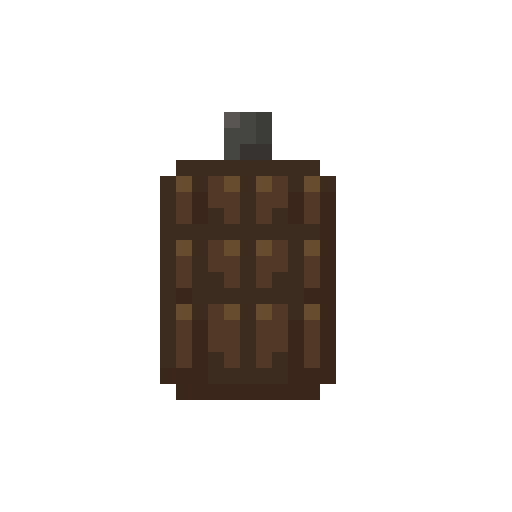
Equip a rifle in your left hand and equip a rocket in your left hand, then reload the rifle. Use an anvil to rename a "Fireworks" to:
Functional Blocks
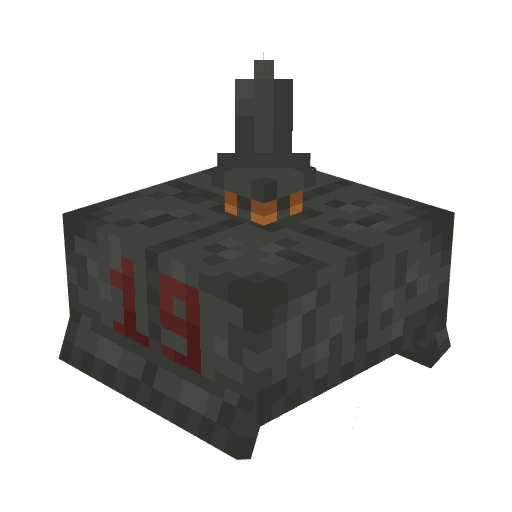
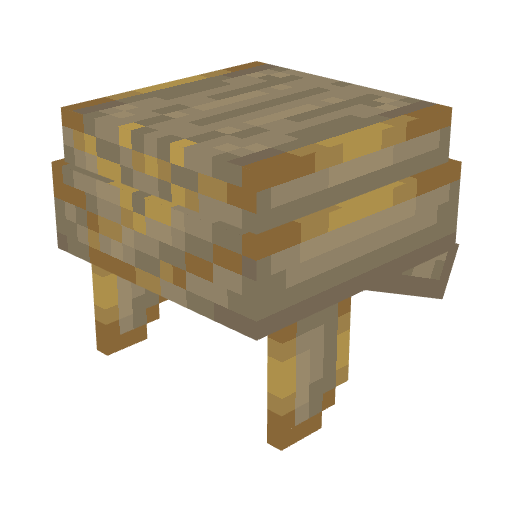
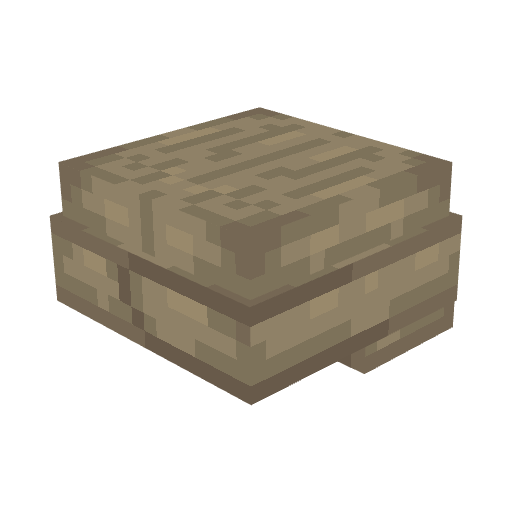
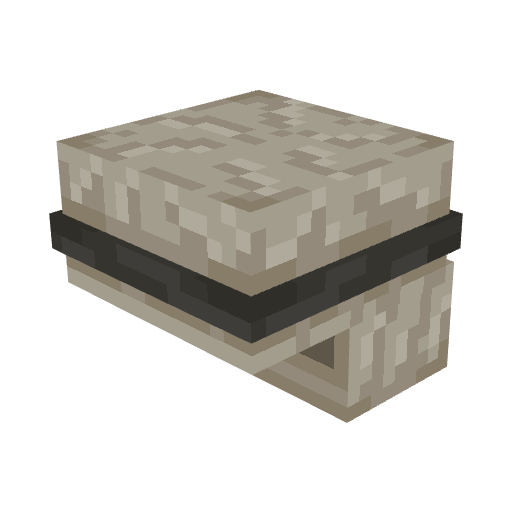
Default blocks will be replaced with these:
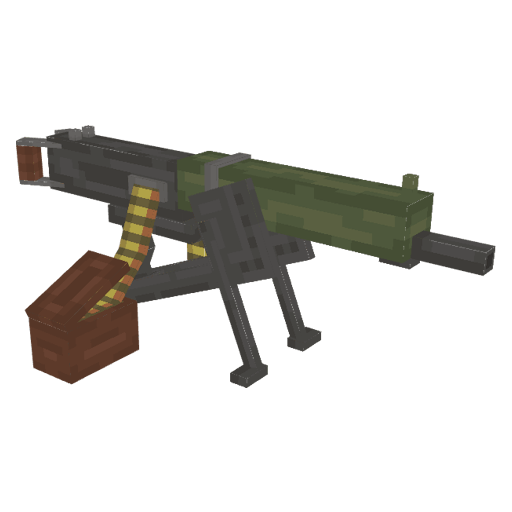
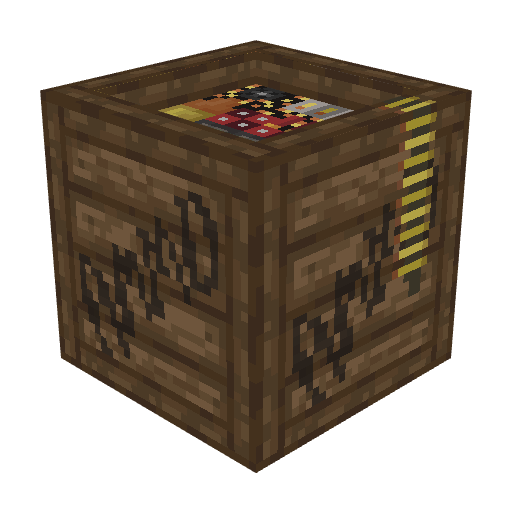
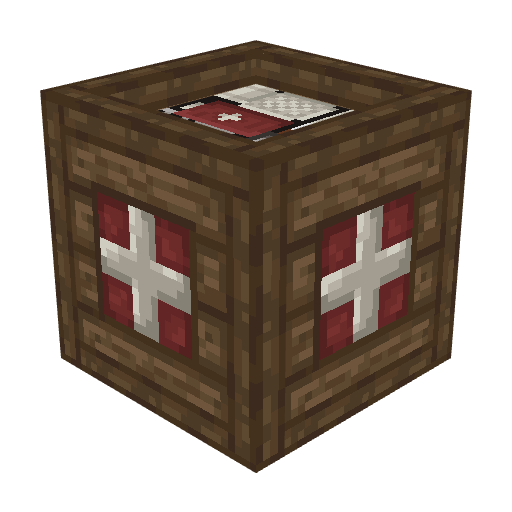
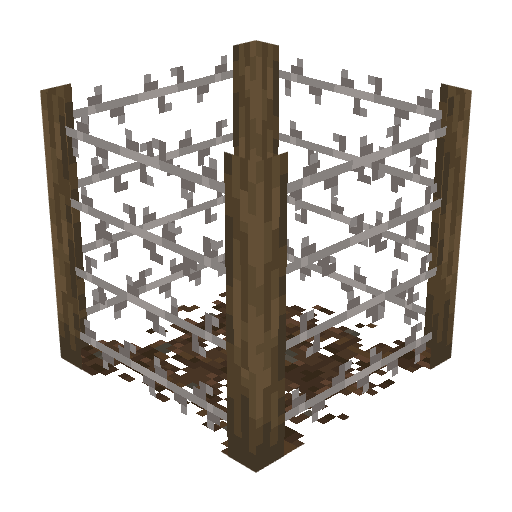
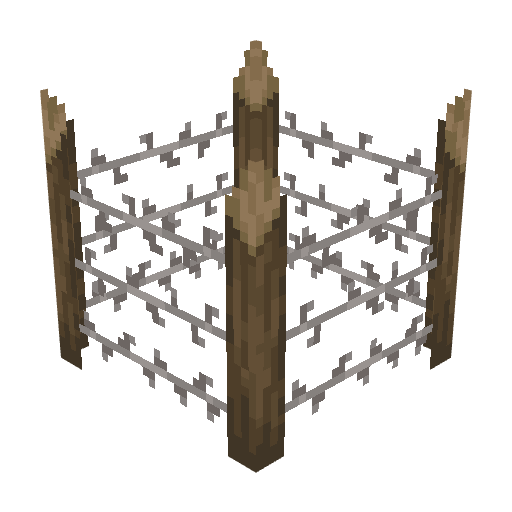
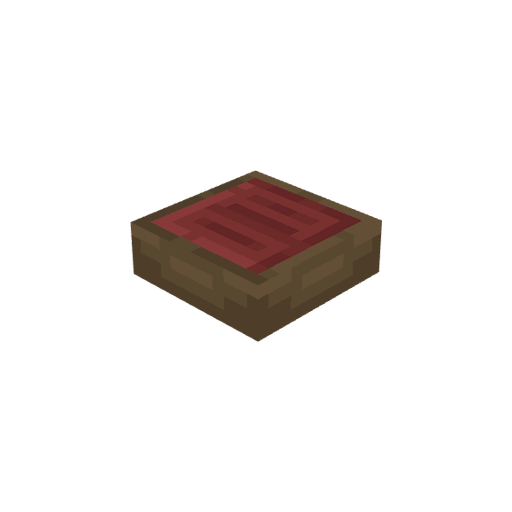
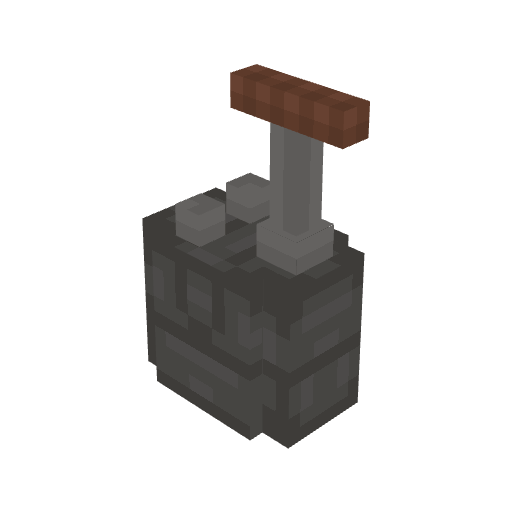
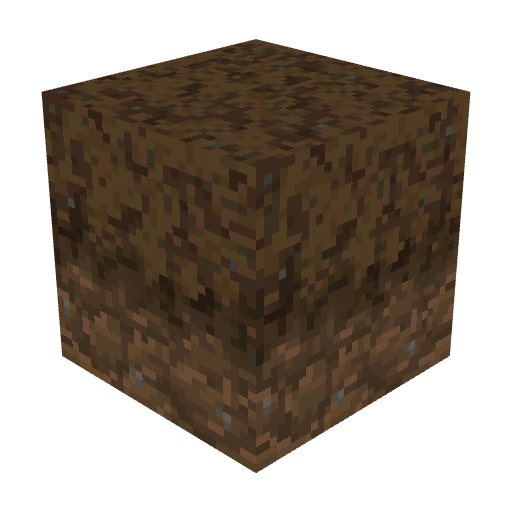
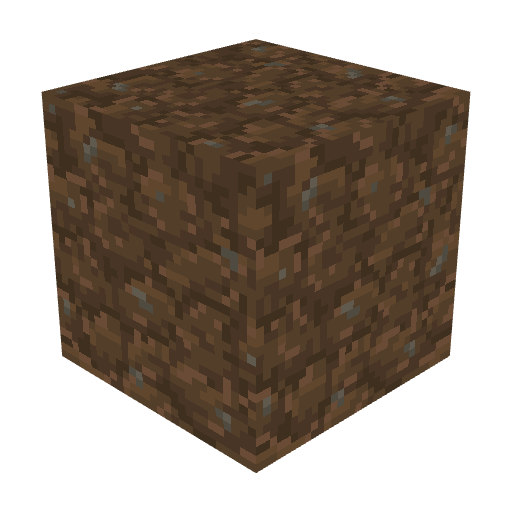
Decorative Blocks
Default blocks will be replaced with these blocks:
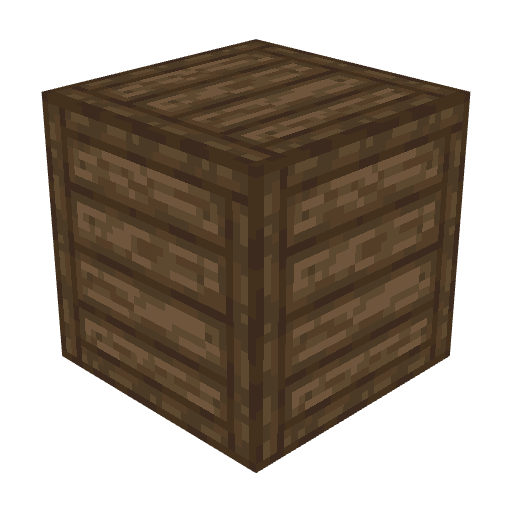
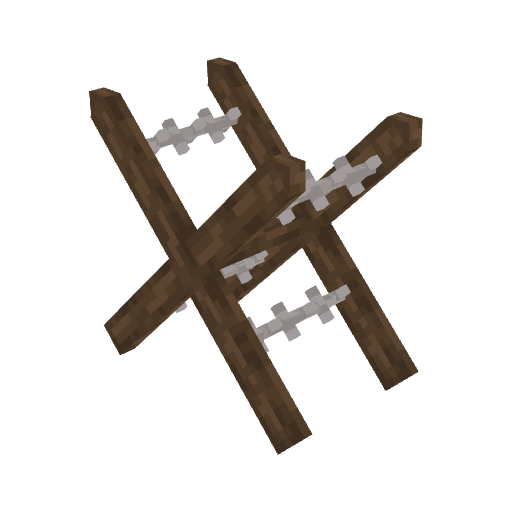
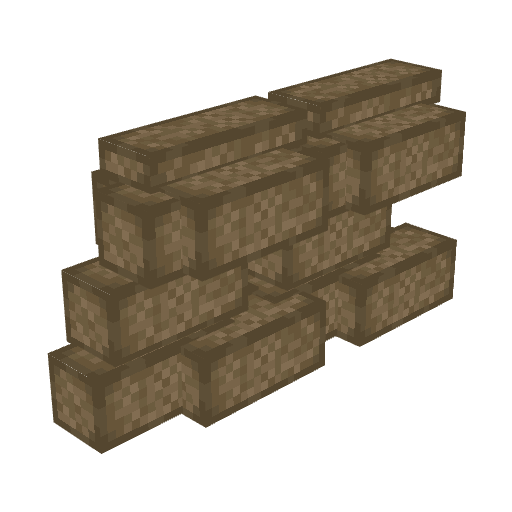
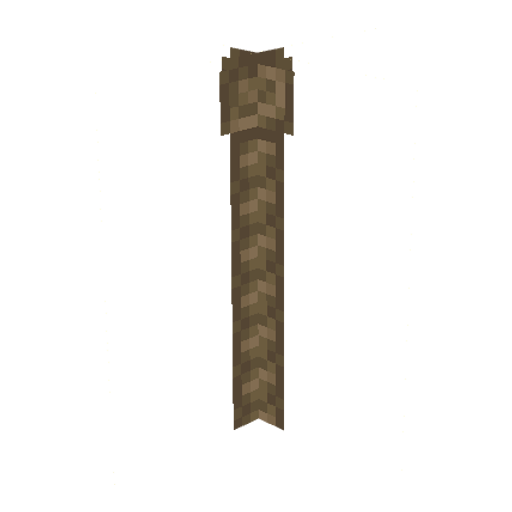
Items
Get these items by using his default items:


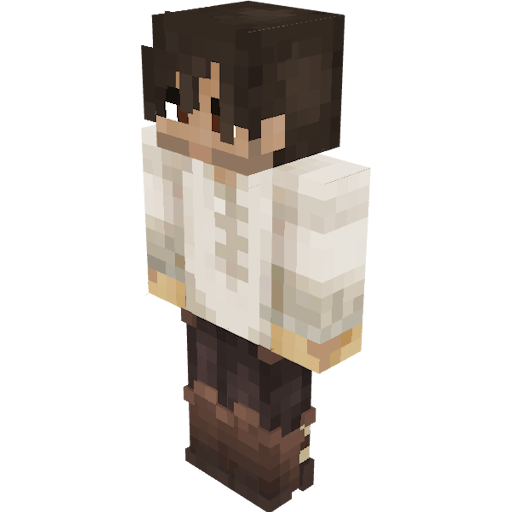
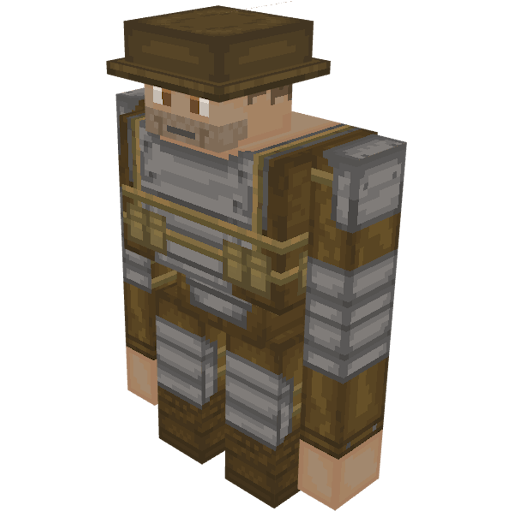
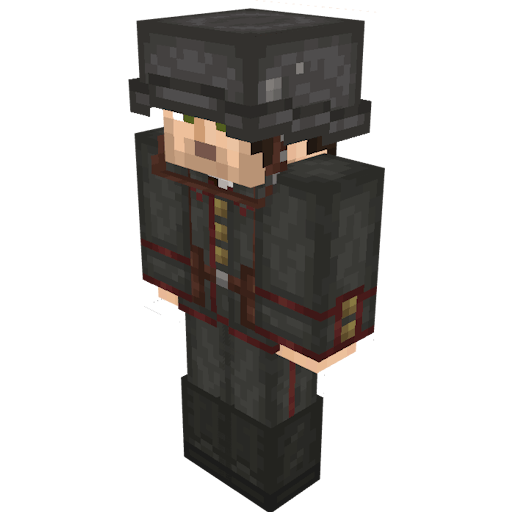
Entities (MOD REQUIRED! Entity Texture Features Mod and Entity Model Features Mod)
Spawn these entities:

Aircraft
Steps:
1) Equip elytras (it is invisible)
2) Use an anvil to rename "Pumpkin" Then equip this pumpkin in your head:
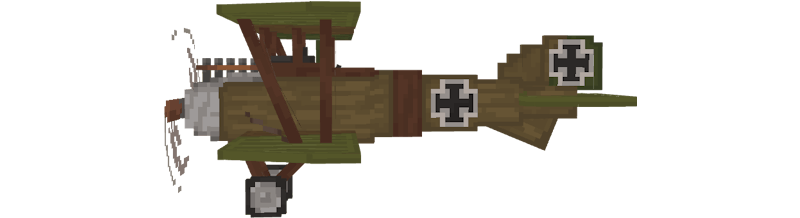
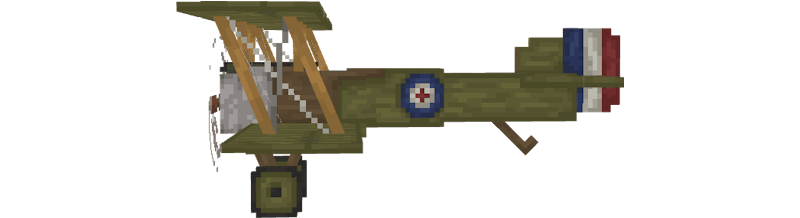
3) Get a machine gun for your plane:
Tips:
1) Rename a "Firework" to "Speed up"
2) Drink a "Invisible potion" to hide your player
Game commands
Use these commands to improve your experience:


ZachoPixel 2026 © All rights reserved.


